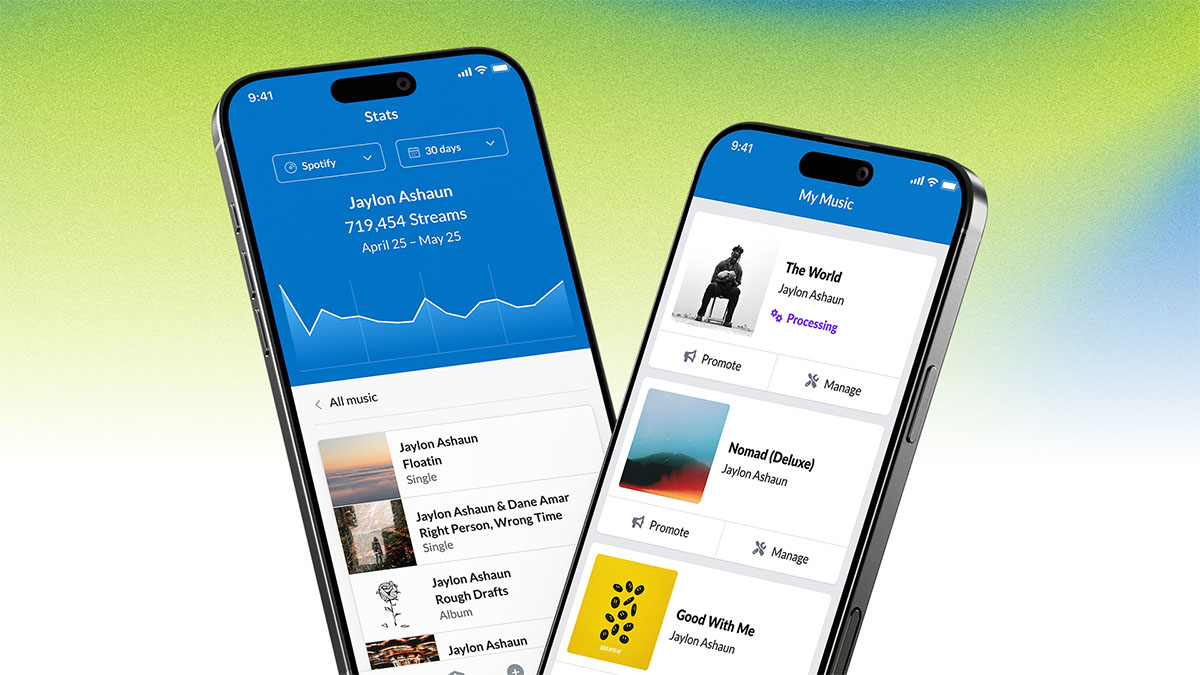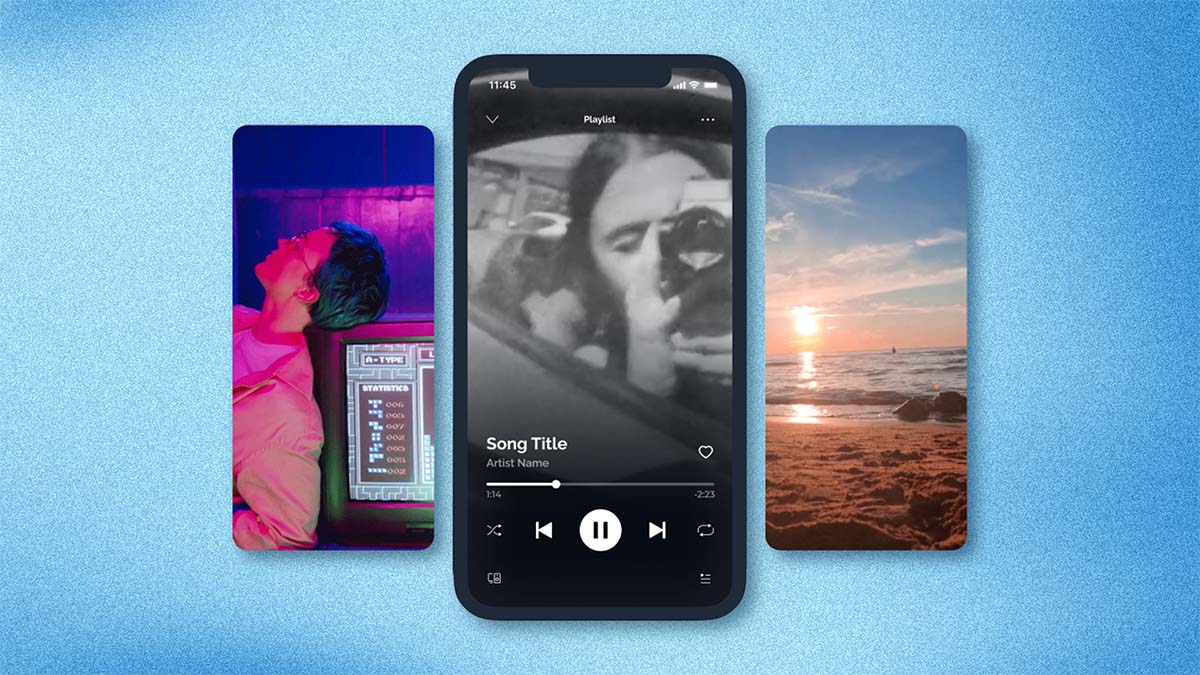
If you use DistroKid to distribute your music, now when someone listens to your song on Spotify's mobile app, you can now show them a video instead of your regular album art.
Spotify calls it Canvas. It’s cool, and it's available to all DistroKid members (for free) starting today.
The easiest way to upload your looping video to Spotify is using the Spotify for Artists mobile app:
- Sign in to the Spotify for Artists mobile app (iPhone, Android)
- Click the Library icon at the bottom (it lookslike books)
- Pick a song that you distributed using DistroKid
- Click Create Canvas and pick a video from your camera. The Spotify for Artists app will help you edit 3–8 seconds for looping.
We hope you love the new service!
P.S. If you don’t have access to Spotify for Artists, have no fear—DistroKid makes that easy too.
Category
Updates